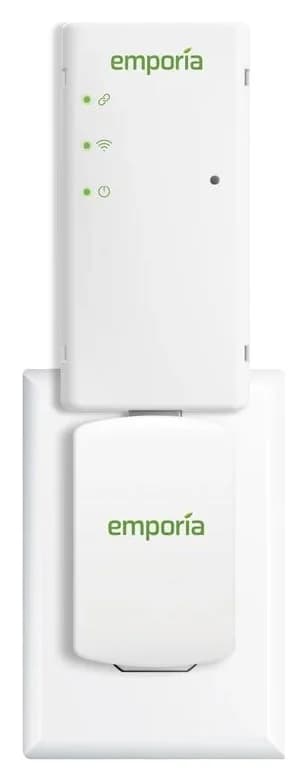
A plug-in whole-home energy monitor that reads your utility's AMI smart meter over Zigbee and shows real-time usage in the Emporia app, with no electrician needed.
Which version should you buy?
Selected package: Vue Utility Connect (US).
Selected package
Vue Utility Connect
This page
Model: EMZGB-1
What differs
Plug-in monitor that reads your utility's AMI smart meter; no CT sensors or panel work.
Best for
Homes in supported utility areas who want whole-home data without an electrician.
Purchase links appear where the exact offer is verified. Confirm the named model, quantity and accessories before ordering.
Watch out
Only works where the utility meter has Zigbee SEP and is HAN enabled; check Emporia's utility list before buying.
For circuit-level data or energy management features, an in-panel monitor with CT sensors is needed instead.
Why people pick it
No electrician: plugs into a wall outlet near the meter, per Emporia's installation guide
Zigbee Alliance Smart Energy certified link to the utility meter, per the maker's documentation
Second-level data in the Emporia app for 3 hours and CSV export, per the maker
Works with 2-phase homes and light-commercial 3-phase service, per the maker
Know before you buy
Only works where the utility's AMI meter has Zigbee SEP and HAN enabled; Emporia lists a short set of supported utilities
No circuit-level or energy-management features (solar-only charging, peak demand, load management), per the maker
Needs a 120V outlet within 100 feet of the smart meter, per the installation guide
Full specifications
How it reads your usage
Zigbee Smart Energy 1.1b link to your utility's AMI smart meter (Zigbee Alliance certified, certification ID ZIG19106ZSE12872-24)
Wi-Fi
2.4 GHz 802.11 b/g/n
Placement
Plugs into a 120V AC outlet within 100 feet of the smart meter
App data retention
Per-second data 3 hours, per-minute data 7 days, per-hour data indefinitely; exportable in the app
Service types
Homes with 2-phase service and light-commercial 3-phase service; supports solar / net metering
Energy management features
Not supported: solar-only charging, peak demand and load management (Emporia's in-panel monitors support these)
Power draw
Under 5 W from the supplied AC adapter (5V DC output)
Energy monitor dimensions
3.4" x 1.9" x 0.8" (86mm x 47mm x 20mm)
Power supply dimensions
2.5" x 1.6" x 1.3" (63mm x 40mm x 34mm)
In the box
Energy monitor (USB dongle) and AC adapter
Warranty
1 year
FCC IDs
2AC7Z-ESP32WROVER and QOQMGM111
Works with utilities
Only select utilities with Zigbee SEP / HAN-enabled AMI meters: Ohio Edison (First Energy) OH, PG&E CA, PPL PA, SRP Home Energy 360 AZ, ComEd IL, Duquesne Light PA, First Energy PA, AEP TX, Burlington Electric VT
From manufacturer documentation, checked November 5, 2026. Spotted an error? Tell us.
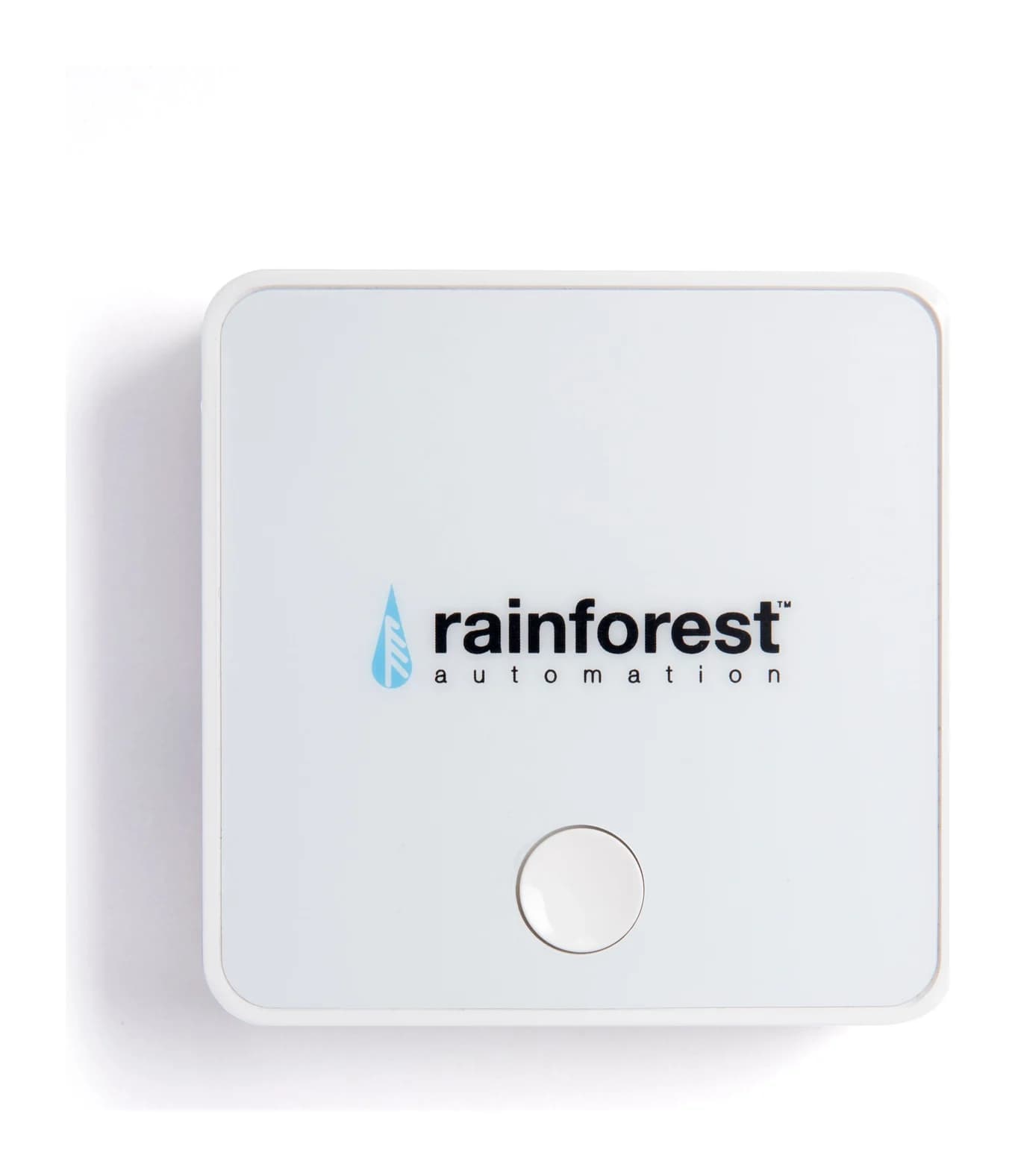
A whole-home energy monitor gateway that reads your utility smart meter over Zigbee and streams usage to the Rainge smartphone app, doubling as a Zigbee smart-home hub for up to 10 devices.
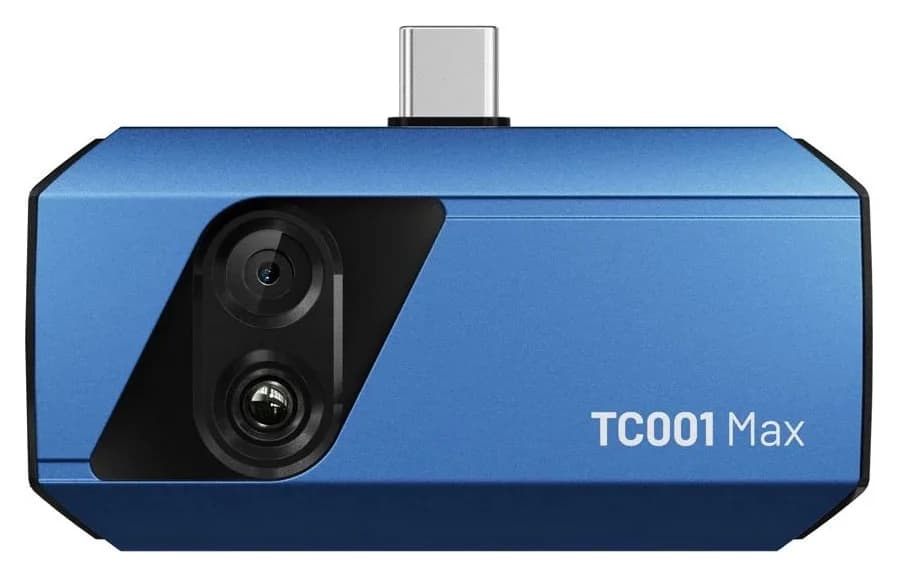
A USB-C thermal camera with both a 256 x 192 thermal sensor and a visible-light lens, combining fused images on an iPhone, Android device or Windows PC, with TISR enhancement to 512 x 384 and app-based AI analysis.
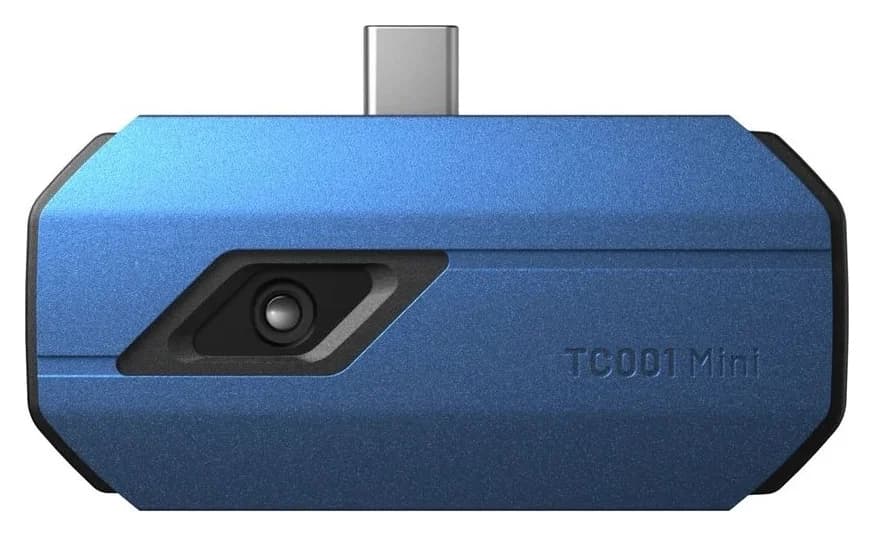
A compact USB-C thermal camera for iPhones, Android phones and Windows PCs with a 96 x 96 infrared sensor TISR-enhanced to 384 x 384, TopFix AI image analysis and measurement from -20 to 550 °C.