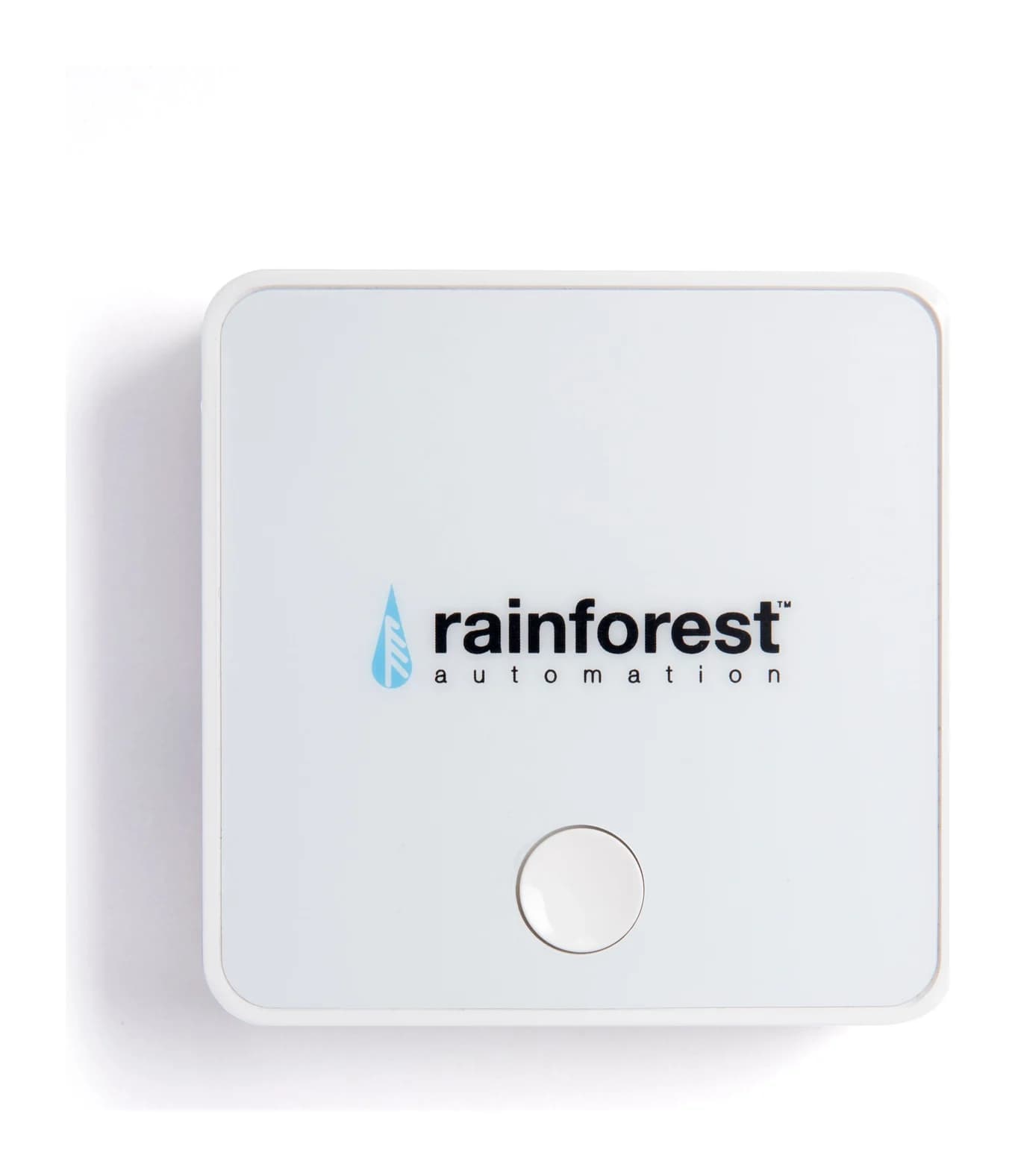
Reads whole-home electricity usage directly from the utility smart meter and sends it to the Rainforest Cloud and the Rainge app
Meter connection:
Zigbee Smart Energy radio; the utility must provision the meter with the device's MAC address and install code, and the meter should be within about 75 ft (23 m) of the EAGLE 3
Network:
10/100 Ethernet or WiFi 802.11 b/g/n; Ethernet cable included
Rainforest Automation EAGLE 3 Energy Gateway and Smart Home Hub
A whole-home energy monitor gateway that reads your utility smart meter over Zigbee and streams usage to the Rainge smartphone app, doubling as a Zigbee smart-home hub for up to 10 devices.
Which version should you buy?
Selected package: EAGLE 3 energy gateway, US store.
Selected package
EAGLE 3 energy gateway
This page
Model: EAGLE 3
What differs
The US-store EAGLE 3 gateway with Ethernet and WiFi, Zigbee meter link and 10-device smart-home hub.
Best for
Buyers whose utility supports the Zigbee smart-meter link.
Purchase links appear where the exact offer is verified. Confirm the named model, quantity and accessories before ordering.
Watch out
Check that your utility appears in Rainforest's supported-utilities list before buying; the meter must be provisioned.
The older EAGLE-200 and the original EAGLE are different, older gateways.
Rainforest warns against marketplace resellers, whose units may not be activatable.
Why people pick it
Self-installs in minutes: it reads the utility smart meter wirelessly, so there is no panel work and no electrician
Works over Ethernet as well as WiFi, which the site's guides call out as more reliable than WiFi-only monitors
Doubles as a Zigbee 3.0 smart-home hub for up to 10 devices, with schedules in the Rainge app
Displays live whole-home demand, cost and net-metered solar flow in the app, per Rainforest's product pages
Know before you buy
Only works where your utility supports it: the meter must be provisioned by the utility before the EAGLE 3 can read it
No circuit-level detail: it reports whole-home usage only, unlike CT-clamp panel monitors
Depends on the Rainforest Cloud and Rainge app for the phone experience; the maker provides local API documentation for EAGLE but points developers to it as best-effort
Rainforest warns to use only the included 5 V power adapter, and that third-party-marketplace units may not be activatable
Full specifications
What it does
Reads whole-home electricity usage directly from the utility smart meter and sends it to the Rainforest Cloud and the Rainge app
Meter connection
Zigbee Smart Energy radio; the utility must provision the meter with the device's MAC address and install code, and the meter should be within about 75 ft (23 m) of the EAGLE 3
Network
10/100 Ethernet or WiFi 802.11 b/g/n; Ethernet cable included
Smart home hub
Connects up to 10 devices, supporting ZigBee HA 1.2 and ZigBee 3.0; control and scheduling through the Rainge app
Ports
Ethernet, micro-USB power (only the included 5 V adapter should be used) and a recessed reset switch
Controls
One button with hold times of 5, 15 and 30 seconds for Zigbee module resets, full factory reset and reboot
App
Rainge for iOS and Android; shows live usage, cost and device schedules
Install
Self-install: plug into the router and a power outlet; no clamps, no electrician, no panel wiring
Setup
Register the device with your utility (some utilities pre-register it, others need a form) using the MAC address and install code on the side label
Firmware
Field upgradeable over the internet; a firmware update can take up to 2.5 hours
Other markets
Rainforest sells the same EAGLE 3 in the US, Canada and Australia; the maker notes the US power supply works in Australia with a physical plug adapter
Where to buy
Rainforest sells the EAGLE 3 directly through its own online stores rather than through marketplace listings
From manufacturer documentation, checked November 5, 2026. Spotted an error? Tell us.
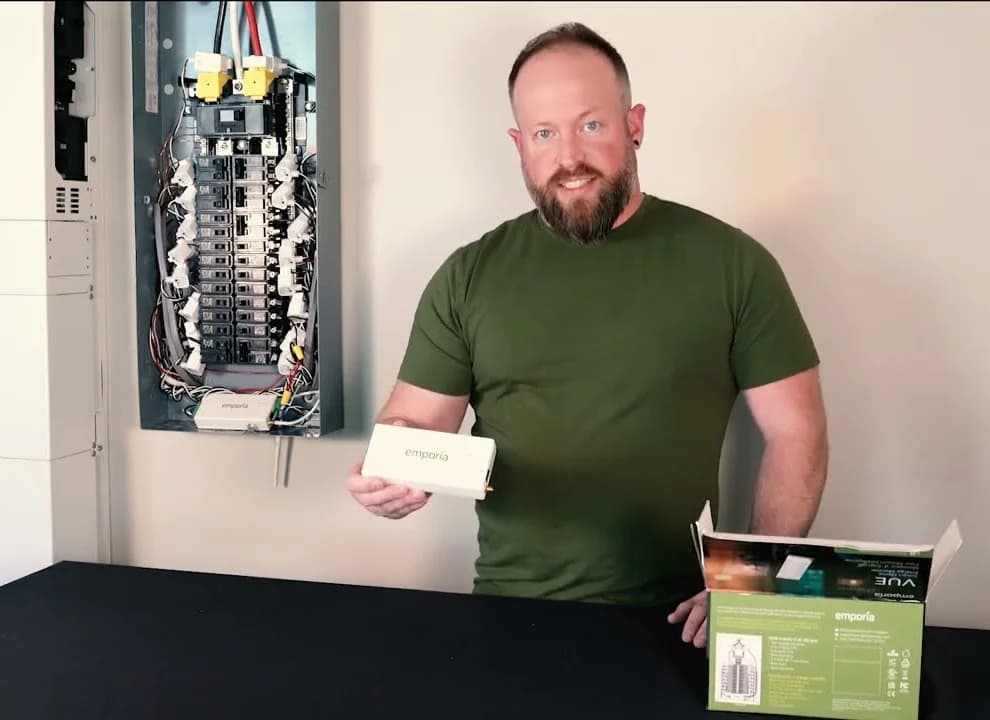
A panel-installed home energy monitor with two 200 A mains sensors and up to 16 circuit-level 50 A sensors that reports whole-home and per-circuit use, solar generation and net metering in the Emporia app.
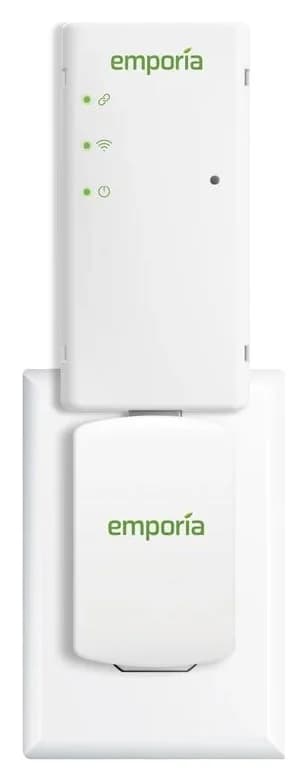
A plug-in whole-home energy monitor that reads your utility's AMI smart meter over Zigbee and shows real-time usage in the Emporia app, with no electrician needed.
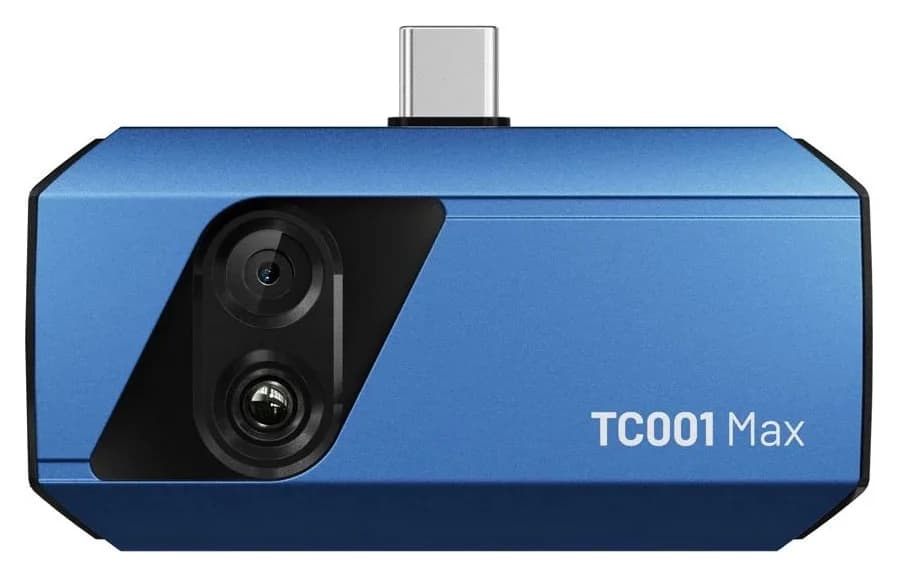
A USB-C thermal camera with both a 256 x 192 thermal sensor and a visible-light lens, combining fused images on an iPhone, Android device or Windows PC, with TISR enhancement to 512 x 384 and app-based AI analysis.