Best picks
Energy Monitoring Smart Plugs: History, Local Data and Load Limits
Choose an energy monitoring smart plug by history, CSV exports and local access. Compare Emporia, Kasa KP125M and Shelly Plug US Gen4, including load limits.
By thisMETER EditorialUpdated November 2, 20268 min read2 picks
Our picks at a glance
- See on Amazon
- See on Amazon2
Alternative for readings on a display
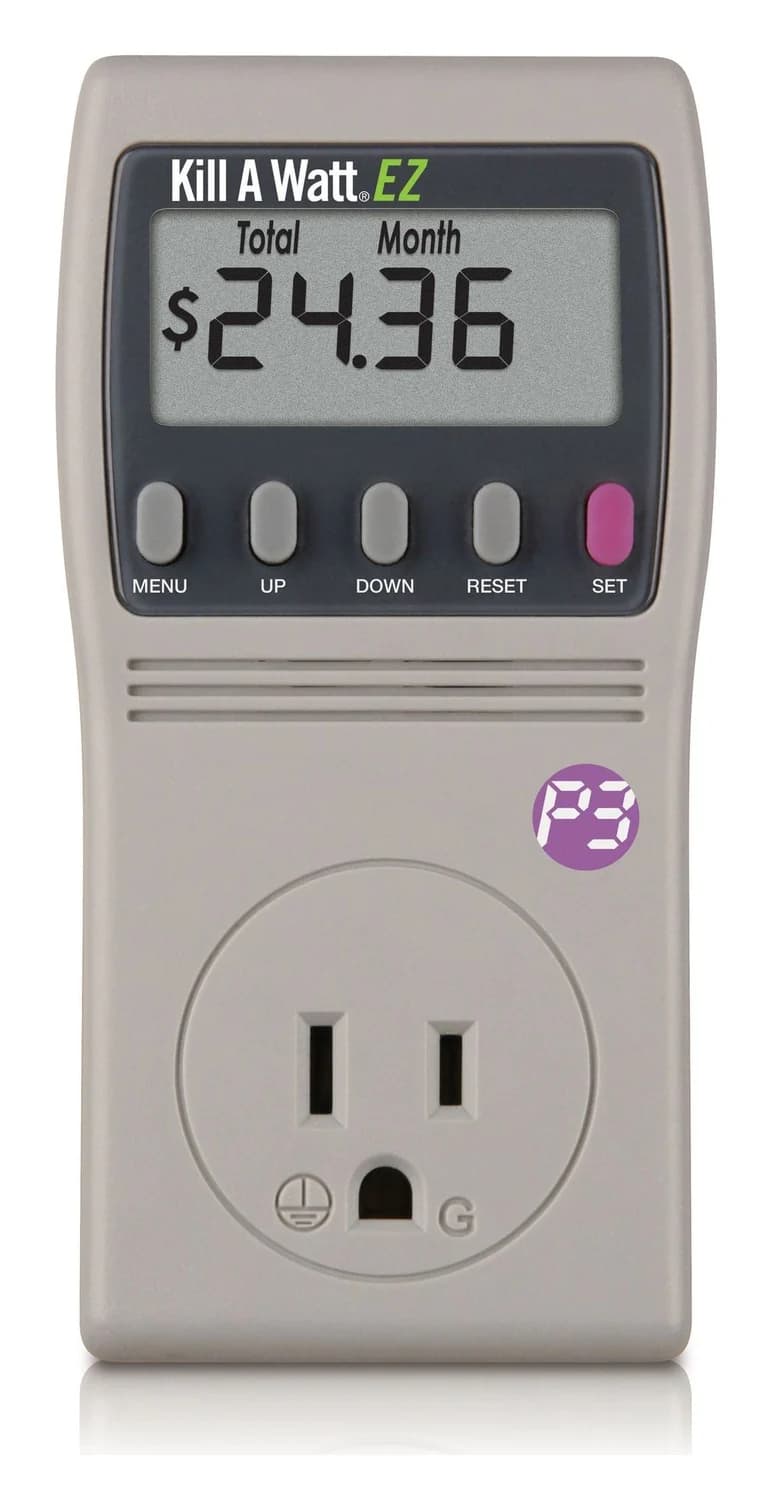
P3 International Kill A Watt EZ P4460 Electricity Usage Monitor15A max
For most US households wanting an energy monitoring smart plug for historical usage and spreadsheet exports, Emporia is our first pick, provided the appliance fits its 10 A continuous limit and equipment restrictions. Choose Shelly Plug US Gen4 for documented local data access and your own recorder, or Kasa KP125M for Kasa charts and energy reporting through a compatible, updated Matter controller. Choose the data destination before the smart-home logo.
thisMETER is reader-supported: when you buy through our links, we may earn a commission at no extra cost to you. As an Amazon Associate, thisMETER earns from qualifying purchases.
Quick picks: compare the data route and load wording
| Pick | Choose it for | Documented data route | US load wording from the maker |
|---|---|---|---|
| Emporia Smart Plug | App history and spreadsheet exports | Emporia cloud/app; CSV | 10 A continuous; 15 A peak for 1 hour/day |
| Kasa KP125M | Kasa charts; conditional Matter energy integration | Kasa exports; Matter energy with supported firmware/controller | 15 A, 1800 W maximum, general use/resistive; 1/6 HP motor |
| Shelly Plug US Gen4 | Local integration and recording | Local web interface, RPC and MQTT; optional cloud | 15 A maximum switching; 1800 W resistive only |
Sources: Emporia specifications, Kasa specifications, Shelly specifications. Data and export qualifications follow below. Maximum ratings are not interchangeable with continuous-use guidance.
Best for app-based logging: Emporia Smart Plug
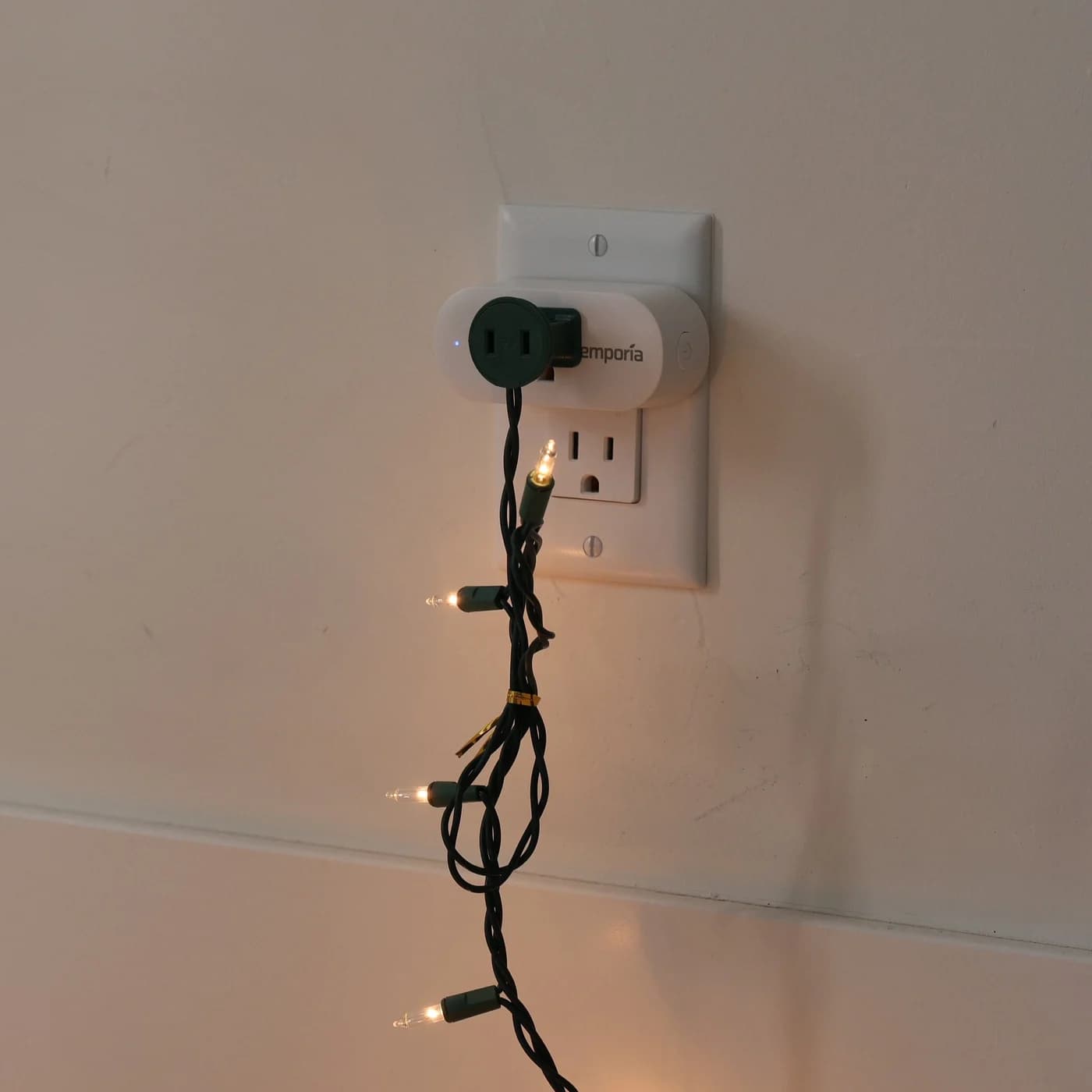
Emporia is our recommendation when exporting appliance history matters more than integrating it into another controller. Its plug overview documents live watts, voltage and cumulative kWh; its export instructions cover all Emporia devices. A Vue is optional: the plug also works alone, and Emporia describes adding its appliance readings to a Vue's energy profile.
Emporia
Emporia Energy Monitoring Smart Plug
A Wi-Fi smart plug for 120 V outlets that reports the energy use of the device plugged into it in the Emporia app, with on/off schedules, remote control and Alexa and Google Home support.
- 1800W max
- 10A max
The trade-off is dependence on Emporia's cloud. Its developer policy documents neither a local data interface nor a public API; community integrations are unsupported by Emporia. Alexa and Google support here means on/off voice commands, not a promise of energy history in those apps.
For older stock, check Emporia's recall notice: it identifies North American plugs bought through Amazon or Emporia's shop between July 1, 2022 and August 1, 2023, with replacement or refund offered for a grounding defect. Emporia says purchases outside that window are unaffected.
Best for a local recorder: Shelly Plug US Gen4
Choose the US model S4PL-00116US. Its device documentation specifies a built-in web interface, AC voltage/current measurement and power/energy metering. Its model-specific API page lists the Switch component and MQTT, which can publish component status.
Read that component through http://<plug-ip>/rpc/Switch.GetStatus?id=0. The Switch API defines apower in watts, voltage in volts, current in amps and aenergy.total in Wh. For kWh, divide Wh by 1,000. Its by_minute array contains energy for the last three complete minutes in milliwatt-hours, when the clock is synchronized. It is not a long-term chart archive: our recommendation is to record readings externally for that purpose.
Shelly's smart-plug data policy lists three years of remote-server statistics. That is separate from your local recorder. Also choose the protocol deliberately: the device documentation describes switching between default Matter firmware and Zigbee firmware. Do not assume every interface exposes identical readings.
See the US white single plug at Shelly
Best for Kasa charts or compatible Matter energy: Kasa KP125M
KP125M is the choice if you want Kasa's energy and power charts, or already use a controller that supports its Matter energy reporting. TP-Link's official KP125M announcement documents an energy calendar, electricity-rate settings and emailed exports. The Power tab shows averages over the selected period; do not treat an averaged chart as a record of startup peaks.
There is a documentation conflict worth resolving before purchase. The product page still says enhanced energy monitoring is coming soon. The 1.1.0 release notes already describe power graphs, time-of-use billing and overload protection; 1.4.1 Build 260721, published August 3, 2026, adds Matter 1.3 energy reporting. Both the US V1 and V1.60 support pages list it; the latter's release notes call the hardware V1.6.
Export existing history before upgrading: earlier release notes warn it may be cleared. Match firmware to the hardware label rather than assuming a retail pack ships updated.
See KP125M and pack options at Kasa
Firmware, app and controller matrix
| Device/interface | Firmware or app check | What is actually documented |
|---|---|---|
| Emporia app | Automatic device updates; firmware shown in Smart Plug Info | Live watts, voltage, cumulative kWh and app history; cloud connection required |
| KP125M in Kasa | Updated app; US 1.1.0 notes document enhanced monitoring | Energy/power graphs, rate calculation and software overload protection |
| KP125M through Matter | US V1/V1.60: 1.4.1 Build 260721; compatible controller | Real-time and historical power/energy; TP-Link names SmartThings and Home Assistant, with implementation still evolving |
| Shelly US Gen4 over Wi-Fi | Confirm installed firmware and use its documented Switch API/MQTT route | Watts, volts, amps and accumulated Wh; record externally for your archive |
| Shelly US Gen4 through Matter/Zigbee | Check the selected firmware mode and controller's measurement support | Protocol support alone does not establish which energy readings your app displays |
TP-Link's ecosystem table dated January 27, 2026 lists switching in Apple, Alexa and Google, but no energy monitoring there. The later KP125M firmware notes name SmartThings and Home Assistant; they do not promise every Matter app supports energy. For Shelly, the cited device/API documents establish local readings, not an equivalent controller-by-controller Matter energy matrix.
- Yes: Match the exact model, region and hardware label
- Yes: Check firmware notes and the controller's energy support
- Yes: Confirm both power and accumulated energy appear
- Partly: Successful on/off control alone does not confirm energy reporting
Variants: region, generation and pack size
| Product | Version covered here | Buying trap |
|---|---|---|
| Emporia | North American 120 V plug; maker offers 1-, 2- and 4-packs | Keep the 10 A continuous restriction in view when choosing quantity |
| KP125M | US 2-pack; maker also lists a 4-pack | Pack quantity does not identify the installed firmware; check the hardware label |
| Shelly | Plug US Gen4, model S4PL-00116US, white single | Black is also offered; keep the US model and generation matched to these documents |
Watts, kWh, history and exports
Watts answer “how much now?”; kWh answers “how much over time?” The EIA explains that a lamp drawing 40 watts for five hours uses 200 Wh, or 0.2 kWh. For a cycling appliance, use accumulated energy over representative use rather than multiplying one live reading by the entire period.
| Product | Export/access method | Detail and archive limitation |
|---|---|---|
| Emporia | App menu → Export Raw Data to CSV; emailed ZIP link | Seconds/minutes/15-minute files contain kW; hourly/daily files contain kWh |
| KP125M | Kasa monitoring menu → Export All Data; emailed files | Official announcement describes hourly kWh CSV and power CSV at 5-minute intervals; it does not specify a retention guarantee |
| Shelly US Gen4 | Local RPC JSON or MQTT into your recorder | Cumulative Wh and recent minute data are not a saved season of interval readings; choose your recorder's retention/export settings |
Emporia's overview advertises unlimited cloud storage, but its retention policy limits second data to three hours, minute data to seven days and 15-minute data to one year, with the latter available only by CSV. Hourly, daily and aggregated history lasts for the device's lifetime. Export weekly if you want to preserve minute detail; unlimited storage does not mean unlimited raw samples.
For Kasa, verify the oldest timestamp and actual interval in an export before committing to a long study. TP-Link's upgraded Tapo monitoring FAQ describes Tapo P110/P115 requirements; its retention details should not be silently assigned to KP125M.
Continuous loads, appliance restrictions and failure behavior
Read the load type and sustained-use guidance before connecting equipment. TP-Link's load guidance recommends 80% or less of maximum rated power for continuous long-term operation and warns about motor inrush. Its example load table is for a European Tapo P100, so do not transfer those example limits to a US KP125M. Shelly's 1800 W figure explicitly applies to resistive loads; Emporia's 1800 W headline does not replace its 10 A continuous limit.
Emporia recommends against refrigerators/freezers, medical equipment, pet equipment and power-sensitive networking/server equipment. Its offline documentation says it buffers roughly 20 minutes of detail; longer connection outages are averaged when it reconnects. Offline app control is unavailable, while stored schedules continue. A network outage and a loss of mains power are different cases.
Before relying on any setup, check schedules, auto-off and recovery behavior using a noncritical load. Shelly's Switch configuration documents power-on state options including off, on and restore-last; check the actual configuration instead of assuming an uninterrupted supply.
When a plug-in meter is the better choice
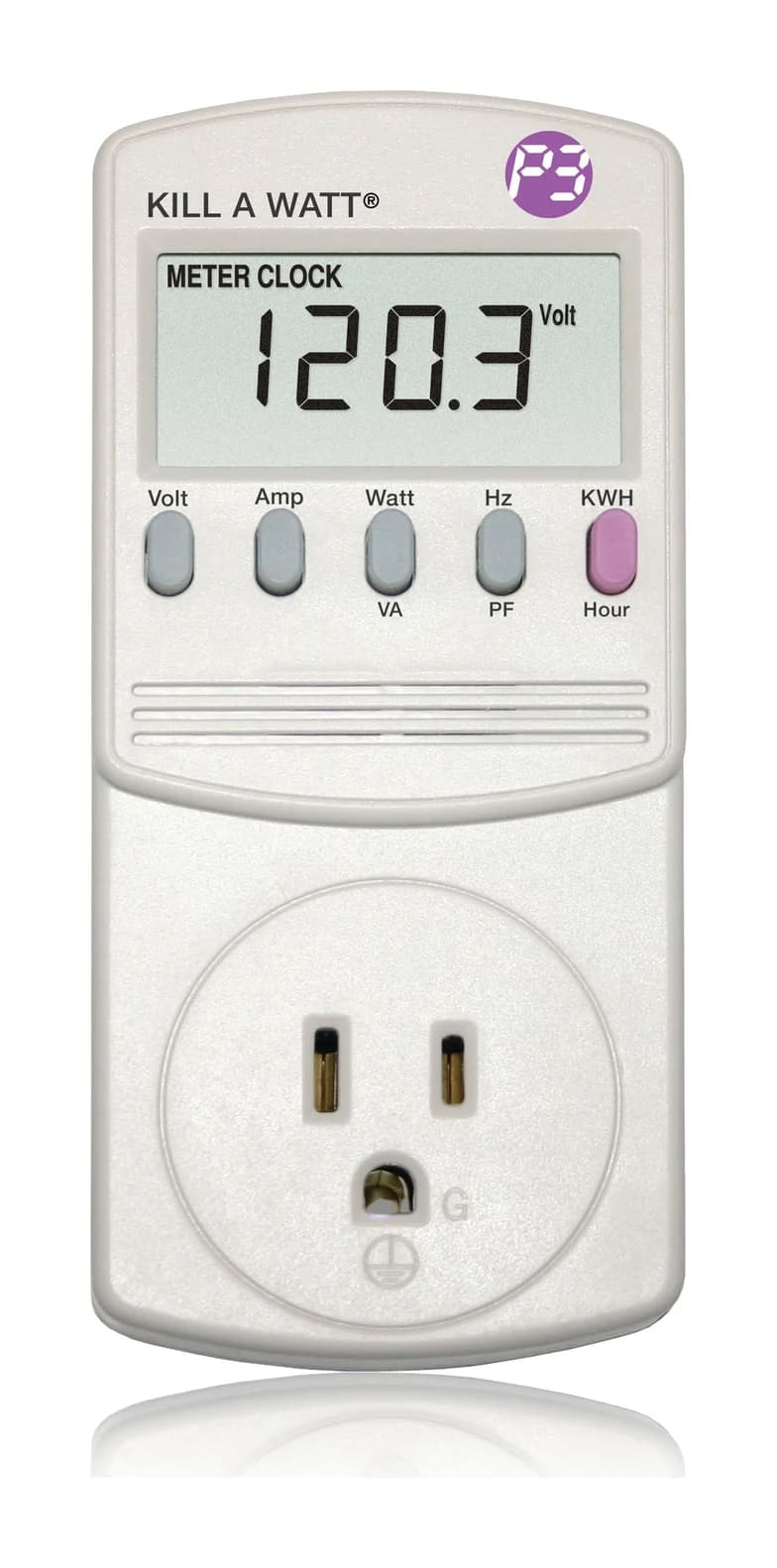
For an on-screen energy total and cost estimate, consider the P3 Kill A Watt EZ P4460. P3's page specifies an LCD, cost projections and battery backup; its manual says accumulated kWh, elapsed time and cost survive interrupted power. This is a display-and-totals alternative to the network logging choices above.
P3 International
P3 International Kill A Watt EZ P4460 Electricity Usage Monitor
A plug-in meter for 120 V appliances that adds the running cost at your utility rate, with projections by hour, day, week, month and year, to the Kill A Watt's electrical readings, and keeps its totals on a backup battery.
Comes in 2 versions: see which to buy
- 15A max
Use our Kill A Watt and plug-in watt meter guide for that decision. For circuit-level questions, see home energy monitors; panel installation belongs with a licensed electrician.
A winter monitoring record
Our suggested record follows the retention and compatibility checks above. Save the model, hardware, firmware, app/controller version, appliance, time zone, start/end timestamps, accumulated energy and any outages alongside each export. Compare equivalent usage periods, including normal on/off cycles; P3's manual explains why short observations can skew projections for cycling loads.
Record the setup
Note the model, versions, appliance and time zone.
Confirm the data
Check power, accumulated energy and the export's timestamps and units.
Keep the baseline
Save representative usage before changing schedules.
Archive and annotate
Export before fine detail expires; record outages and changed settings.
How we choose
These are research-based recommendations from manufacturer product pages, support documents, firmware notes and APIs, with EIA definitions and USFA heater guidance. We prioritize the data you can retrieve, documented limitations and the exact regional model. We publish no original readings for these plugs, and make no independent accuracy or savings claim. See How we choose and How we measure.
Verdict
Choose Emporia for documented app exports and retention, Shelly Plug US Gen4 for a local recorder, and KP125M for Kasa charts or energy through a specifically supported Matter controller. Confirm the appliance restrictions and continuous-load guidance before ordering, then confirm the data you can actually save.
Frequently asked questions
Which energy monitoring smart plug should I buy?
Choose Emporia for app-based history and CSV exports, provided your appliance fits its continuous-load and equipment restrictions. Choose Shelly Plug US Gen4 for a documented local RPC/MQTT data route and your own recorder. Choose Kasa KP125M for Kasa energy charts or a compatible Matter energy controller, after checking the US hardware version and firmware.
Does Matter guarantee energy monitoring in Apple Home, Alexa or Google Home?
No. TP-Link separates Matter switching from energy reporting and warns that controllers differ. Its KP125M firmware 1.4.1 notes name SmartThings and Home Assistant as functional Matter energy options. Its earlier ecosystem table lists no energy monitoring for Apple, Alexa or Google. Check current device firmware and the controller's energy features before buying for readings in a particular app.
Can I use an energy monitoring smart plug without the internet?
Shelly Plug US Gen4 has a local web interface and documented RPC/MQTT access; keep your own recorder for a local history. Emporia requires its cloud for app control, although stored schedules continue offline and short outages are buffered. These are different promises: local switching, retained energy totals and a complete historical archive should each be checked separately.
Are these smart plugs suitable for refrigerators or space heaters?
Do not select one from its headline watt rating alone. Emporia recommends against refrigerators, freezers and other power-sensitive equipment. TP-Link warns about motor startup current and advises reduced loading for continuous operation. Shelly's maximum watt figure is specified for resistive loads. For portable electric heaters, follow USFA's direct-to-wall guidance and the heater manual; skip an intervening smart plug.