

Best picks
USB Cable Testers: E-Markers, Wiremaps and Real Speed Checks
Choose a USB cable tester for continuity, e-markers or resistance. Compare Treedix models, reuse a KM003C, and check real transfer speed with your computer.
By thisMETER EditorialUpdated November 2, 20268 min read2 picks
Our picks at a glance
- See on Amazon1
Best if you already own it
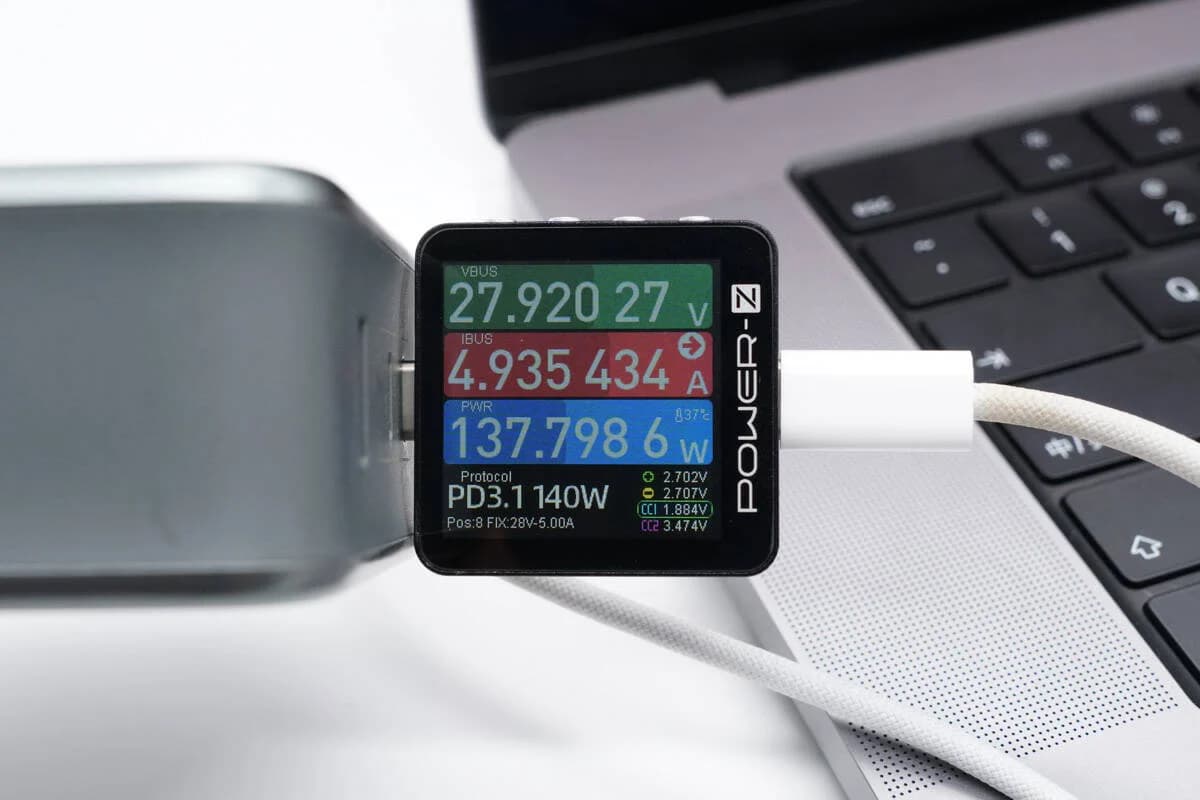
ChargerLAB POWER-Z KM003C USB-C Tester and PD Analyzer240W max · 50V max · 6A max · USB PD 3.2 (EPR, AVS), QC4+, QC5, AFC, FCP, SCP, PE, UFCS and more
- See on Amazon2
For charging watts instead
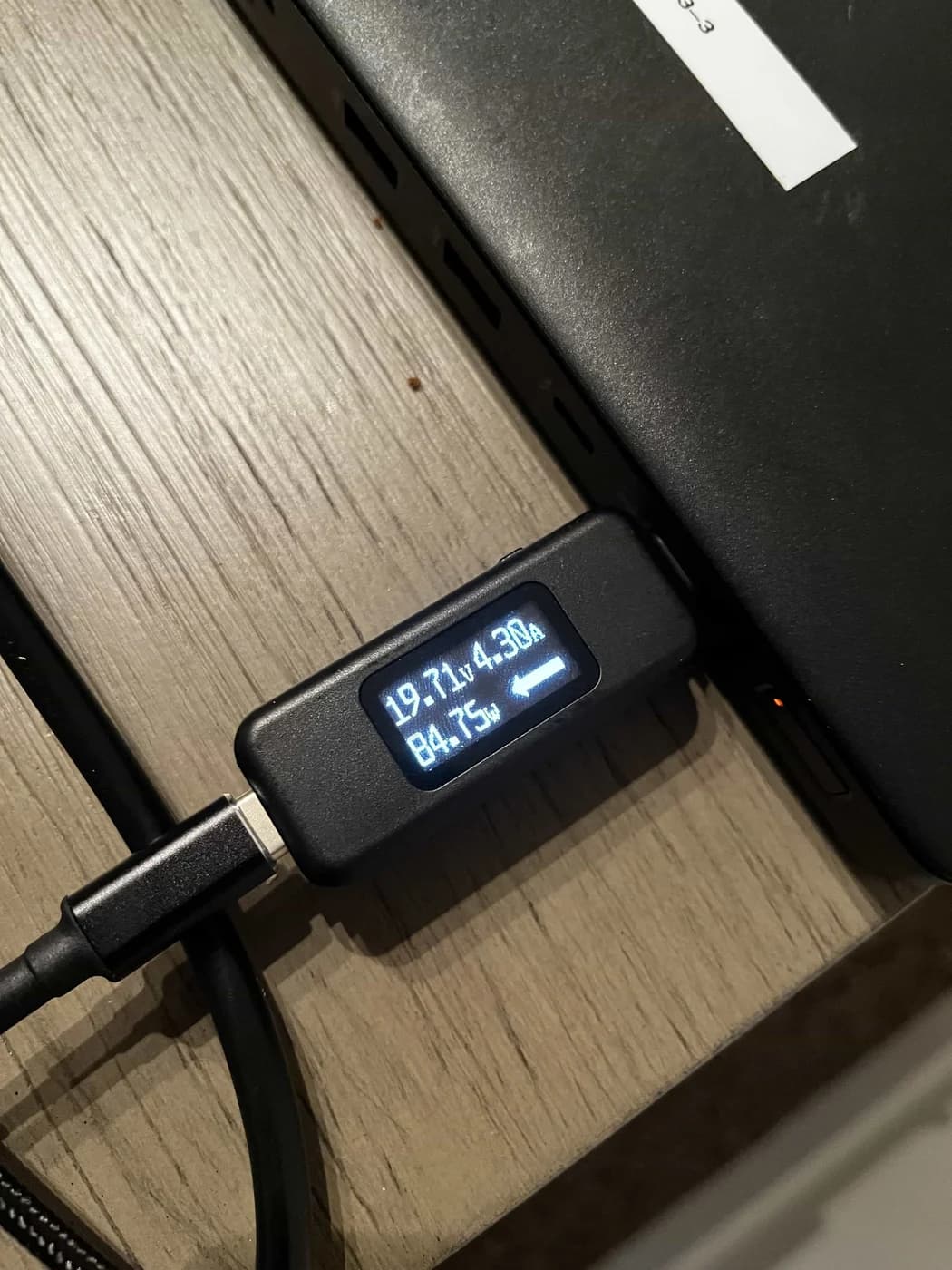
Plugable USB-C Voltage and Amperage Meter (USBC-VAMETER3, 240W EPR)240W max · 50V max · 6.5A max
For sorting mixed USB cables, choose the Treedix STRX5-0816-AC for its screen-based continuity, resistance and passive-cable e-marker checks. Choose the STRX5-0575 board for LED continuity only, or reuse your POWER-Z KM003C when reading USB-C e-markers is all you need. If your question is whether a cable transfers quickly with your computer and drive, start with a direct transfer comparison.
thisMETER is reader-supported: when you buy through our links, we may earn a commission at no extra cost to you. As an Amazon Associate, thisMETER earns from qualifying purchases.
Quick picks
| Choice | Choose it for | Continuity / pin display | USB-C e-marker | Resistance | Transfer benchmark |
|---|---|---|---|---|---|
| Treedix STRX5-0816-AC — best dedicated checker | Sorting a mixed cable drawer | Yes, screen | Yes; passive cables only per manual | Yes | Not documented |
| Treedix STRX5-0575 — basic continuity pick | Seeing which conductors connect | Yes, LEDs | Not documented | No numeric readout documented | Not documented |
| POWER-Z KM003C — reuse an existing meter | Reading declared USB-C capability | No pin-map mode documented | Yes | Manual calls cable resistance an in-development function | Not documented |
| Computer and suitable drive — start here for speed | Comparing transfers on your equipment | Not a pin map | No reader assumed | Not a resistance test | Yes, on that setup |
“Not documented” means no such function was found in the maker’s product page or matching manual.
What continuity, an e-marker and a transfer each prove
Continuity checks indicate connected conductors. An e-marker returns cable information through USB Power Delivery's Discover Identity command. A transfer exercises the connection between a computer and peripheral. Our buying rule is to keep these results separate: a declared speed is not an achieved speed. USB-IF specification, Plugable's cable guidance.
Tap a label to explore. You can also hover or use your keyboard.
Scroll across to see every column
| Option | Connected conductors | E-marker declaration | End-to-end transfer |
|---|---|---|---|
EvidenceThese are separate observations; use the one that answers your question. Sources: 1: LED indications can represent supported functions or absent function pins., 2: An eMarker returns cable information in response to USB PD Discover Identity., 3: Unmarked cables can be checked between a computer and device. | Continuity indication | Information from the cable chip | Performance on your computer and device |
Buying questionA conductor indication or chip declaration does not run a file transfer. Sources: 1: LED indications can represent supported functions or absent function pins., 2: An eMarker returns cable information in response to USB PD Discover Identity., 3: Unmarked cables can be checked between a computer and device. | Which function pins are present? | What capability does the chip report? | Does this cable work for this job? |
Bars start at zero and share a scale within each column.
Source notes3 references
LED indications can represent supported functions or absent function pins.
cdn.shopify.com — source for LED indications can represent supported functions or absent function pins.II. LED Indicator Off:Indicates that the cable lacks the corresponding function pins or the feature is not supported.
An eMarker returns cable information in response to USB PD Discover Identity.
www.usb.org — source for An eMarker returns cable information in response to USB PD Discover Identity.An eMarker is element in an Electronically Marked Cable that returns information about the cable in response to a USB PD Discover Identity command.
Unmarked cables can be checked between a computer and device.
kb.plugable.com — source for Unmarked cables can be checked between a computer and device.For unmarked cables, most likely the cable will need to be tested between a computer and device.
USB-IF lists separate cable, functional, Power Delivery and signal-integrity compliance work. Our conclusion: none of these drawer checks substitutes for that certification process. USB-IF cable certification.
Best dedicated checker: Treedix STRX5-0816-AC
Get this for repeated sorting when you want more than lights. Treedix specifies a 2.4-inch display, internal connection checks, cable resistance, shell-to-ground detection and e-marker reading. Power comes from an AAA battery supply or the dedicated USB-C 5 V input. See the manual downloads.
The limitations matter. The manual restricts e-marker measurement to passive cables. It specifies approximately ±10% resistance error with good contact, including connector contact resistance; low batteries and Lightning electronics can distort results. Use resistance as a screening clue, not a pass/fail threshold for every cable length or a guarantee of delivered charging power.
Version check: the listing SKU is STRX5-0816-AC, while its download names use TRX5-0816-AC. No shipped tester hardware/firmware revision is established by those pages. The support center's separately titled USB Tester V1.0.4 download does not identify this SKU; do not assume it is the screen checker's update. The e-marker screen's HW/FW fields describe the cable information being read.
Check the exact model at Treedix.
Basic continuity pick: Treedix STRX5-0575 board
Choose the STRX5-0575 when you want a conductor indication and Standard-B coverage. Treedix specifies 24 LEDs, an acrylic protective case and CR2032 or USB-C power. Its English manual lists Type-B 3.0 on the device end. Neither document specifies e-marker decoding or a numeric resistance display.
A dark LED can mean an absent function, not damage. The manual also cautions that shorted pins, diodes and active electronics can produce inaccurate indications. Despite the product page's short-circuit claims, we would not buy it to conclusively locate every short or miswire.
Do not demand every CC light. Treedix's manual says advanced features need both CC1 and CC2, but USB-IF describes one through-cable CC connection; the unused CC pin can supply VCONN when needed. That wording is not a sound universal rejection rule. USB-IF signal plan.
| Similar-looking listing | What changes |
|---|---|
| STRX5-0575 | The acrylic-case LED tester covered here; Standard-B 3.0 appears in its connection instructions. |
| STRX5-0865-A | Separate plastic-shell LED checker. Its page claims Type-B 2.0, but its manual's endpoint list omits Standard-B: confirm that connector before choosing it for printer cables. |
| STRX5-0575-AA | Acrylic sheet and screwdriver only; not the tester. |
These differences come from Treedix's plastic-shell listing, matching manual and accessory listing. A board hardware revision is not stated; match the SKU and connector list.
Best if you already own it: POWER-Z KM003C
The KM003C already reads USB-C cable e-markers, so there is little reason to buy another reader just for that task. Its manual's route is Application → Modules → USB-C eMarker; use the separate HID port for power, following the official instructions.
ChargerLAB
ChargerLAB POWER-Z KM003C USB-C Tester and PD Analyzer
A USB-C power tester and USB PD protocol analyzer rated to 50 V and 6 A (240 W in PD) that reads cable e-markers, lists a charger's power profiles, detects and triggers fast-charge protocols, and logs to PC software.
Comes in 3 versions: see which to buy
- 240W max
- 50V max
- 6A max
- USB PD 3.2 (EPR, AVS), QC4+, QC5, AFC, FCP, SCP, PE, UFCS and more
It is not an equivalent mixed-connector pin checker: its main connectors are USB-C, and the manual still labels cable resistance “In development.” ChargerLAB's support FAQ also documents some Thunderbolt e-marker failures due to cable power consumption. A failed read is not a complete cable diagnosis.
Keep model limits separate: ChargerLAB specifies 6 A for KM003C, while the support page's 10 A update concerns KM002C. For charger profiles and live charging measurements, use our USB-C power meter guide.
For charging watts instead: Plugable USBC-VAMETER3
Already own this meter? Keep it for charging questions. Plugable specifies inline voltage/current monitoring, displayed power and direction, 240 W EPR charging support and 10 Gbps data passthrough. Its documentation does not list e-marker reading or pin mapping. Passthrough is not a speed measurement, and Plugable excludes Thunderbolt 3 devices. Remove it for your direct cable-speed comparison. Plugable specifications.
Plugable
Plugable USB-C Voltage and Amperage Meter (USBC-VAMETER3, 240W EPR)
A thumb-size inline USB-C meter that shows volts, amps, watts and the direction of current on an OLED screen while passing data, video and USB PD 3.1 EPR power up to 240 W.
- 240W max
- 50V max
- 6.5A max
How we choose
We compared official product pages, manuals and USB-IF definitions, without physical testing. Our methods are on How we choose and How we measure.
Buying guide
Match both cable ends before ordering
“USB cable tester” does not establish connector compatibility. The matrix below follows the manuals' connection instructions, rather than extrapolating from a family name.
| Cable ends | Screen STRX5-0816-AC | Board STRX5-0575 | KM003C |
|---|---|---|---|
| USB-C to USB-C | Listed | Listed | USB-C e-marker reading |
| USB-A to USB-C | Listed | Listed | No direct USB-A socket |
| USB-A to Micro-B 2.0 / 3.0 | Listed | Listed | No matching direct sockets |
| USB-A to Mini-B or Lightning | Listed | Listed | No matching direct sockets |
| USB-A to Standard-B | Standard-B not listed | Type-B 3.0 listed; page also claims Type-B 2.0 | No matching direct sockets |
Legacy connectors do not turn an e-marker reader into a universal checker. Treedix's board page also implies video capability for USB-A-to-C from its lights; Plugable's cable guidance says legacy adapter cables do not support DisplayPort Alt Mode. Do not treat that LED pattern as a video guarantee. For network cables, see our separate Ethernet cable tester guide.
Sort a cable drawer by the question you need answered
Only need to know whether your drive works quickly?
Start with the computer-and-drive comparison below; a separate checker is optional.
Need to see connected conductors?
Use the LED board, or the screen checker if you also want resistance and e-marker information.
Need the cable chip's declaration?
Reuse a KM003C; choose the screen checker for its documented passive-cable coverage.
Need charging watts during use?
Choose a live power meter using the linked power-meter guide.
Keep separate labels
Record continuity, e-marker declaration and transfer result separately; leave unverified capabilities unknown.
How to check USB-C cable speed with your computer
Plugable recommends a computer-and-peripheral test for unmarked cables. For a useful comparison:
- Choose a computer port and external drive specified for the data rate you need. Connect directly for this comparison.
- Establish a baseline with a known-good cable. Copy the same large file in the same direction, then swap only the cable and repeat. Keep the drive and ports unchanged.
- Inspect connection information as well as the copy result. On a Mac, hold Option and choose Apple menu → System Information to inspect connected hardware. On Windows, Microsoft's USBView shows connected USB devices and their information; Microsoft cautions that this older tool may omit newer USB details. Apple instructions, Microsoft instructions.
- Record the setup and observed result. If both cables are slow, investigate the rest of the setup; if only the suspect cable is slow, set it aside for further checks. This comparison is evidence for that job, not the cable's maximum possible rate.
USB-IF specifies 480 Mbps for USB 2.0 Type-C and explains that a USB 2.0 cable limits a faster host/device connection. It also separates power from performance. A 240 W declaration can coexist with USB 2.0 data, as Treedix's e-marker example shows. No amount of charging wattage establishes fast storage transfers or video support. USB-IF guidance.
Verdict
Buy the STRX5-0816-AC for mixed-cable sorting with resistance and passive e-marker information; choose the STRX5-0575 for basic continuity and its documented Standard-B connector. Reuse a KM003C for e-markers, and start with a computer and drive for an actual transfer question. Keep the pin indication, declared capability and achieved transfer as separate labels.
Frequently asked questions
Can a USB cable tester measure actual cable speed?
A continuity display identifies connected conductors, while an e-marker reader retrieves the cable chip's information. Neither result is an actual file-transfer benchmark. To check speed for your job, connect a suitable drive directly to your computer and compare the suspect cable with a known-good cable on the same ports. Treat the result as performance of that setup, rather than a universal cable certification.
Does no e-marker mean a USB-C cable is bad?
No. USB-IF's Type-C specification permits USB 2.0 Type-C cables without electronic marking. A missing response therefore needs context: the intended cable type and the reader's limitations matter. ChargerLAB also documents difficulty reading some Thunderbolt cables with high cable power consumption. Do not label an unmarked cable defective or fast solely from that missing response; check its intended job separately.
Can a 240 W USB-C cable still have slow data?
Yes. Power capability and data capability are separate. USB-IF says USB 2.0 Type-C supports Power Delivery and up to 480 Mbps data, and Treedix's manual illustrates an e-marker declaring 240 W alongside USB 2.0. For an external drive, look for the data capability and verify a transfer; a high charging-power declaration alone does not establish fast data or video support.
What does an unlit LED on a USB cable checker mean?
Treedix's board manual says an unlit LED can mean the cable lacks that function's pins or does not support the feature. It is not automatically a broken wire. Compare the indication with the wiring expected for that cable type. The manual also warns that shorted pins, diodes and active electronics can make results inaccurate, so a reassuring light pattern is not a complete fault diagnosis.
Related guides
HDMI Cable Testers: Continuity, Certification and What to Buy
Choose HDMI cable testers for wiring faults, compare Jonard HDMI-100 and Goobay 31961, check certification labels, and know when replacing a cable makes sense.
Updated November 2, 2026Read
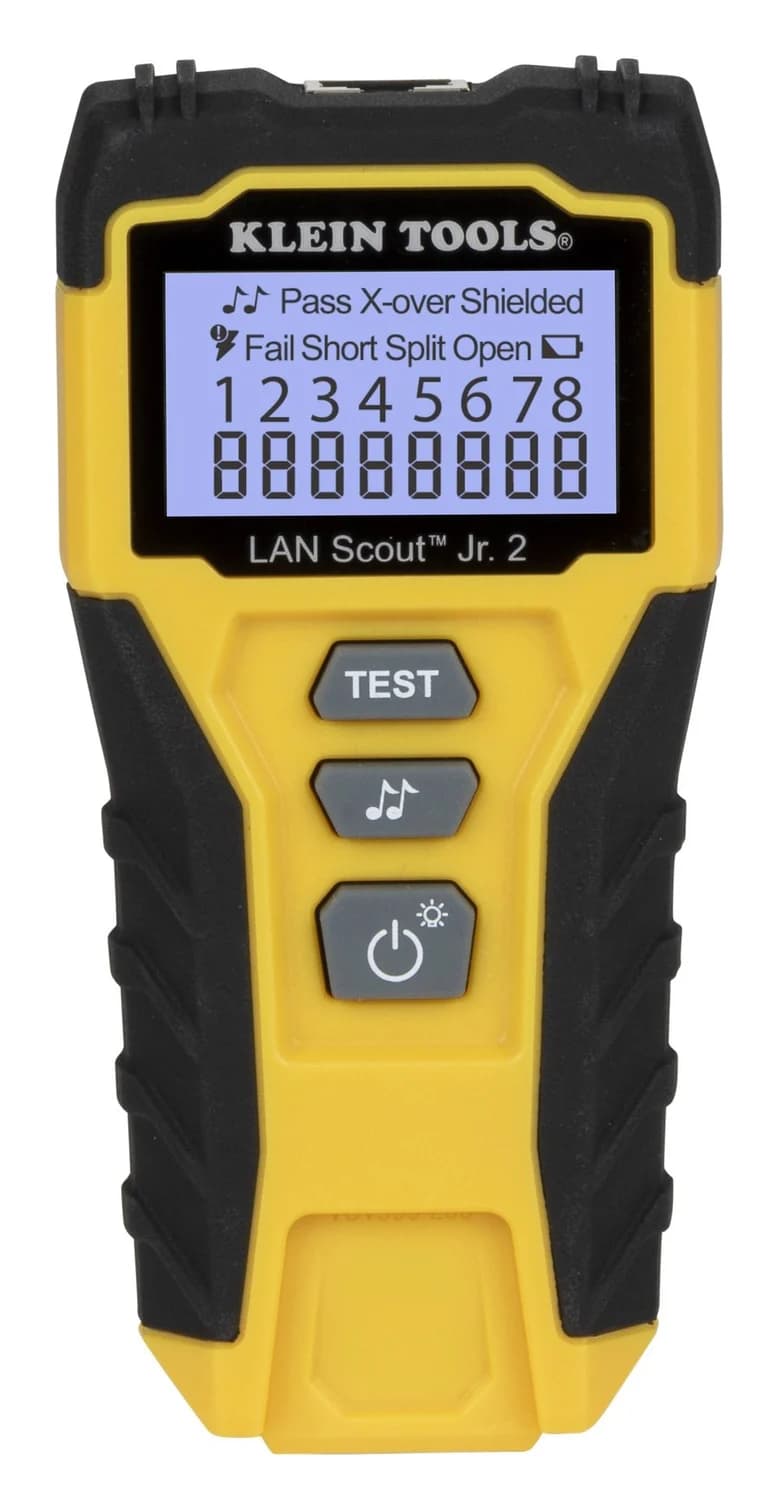
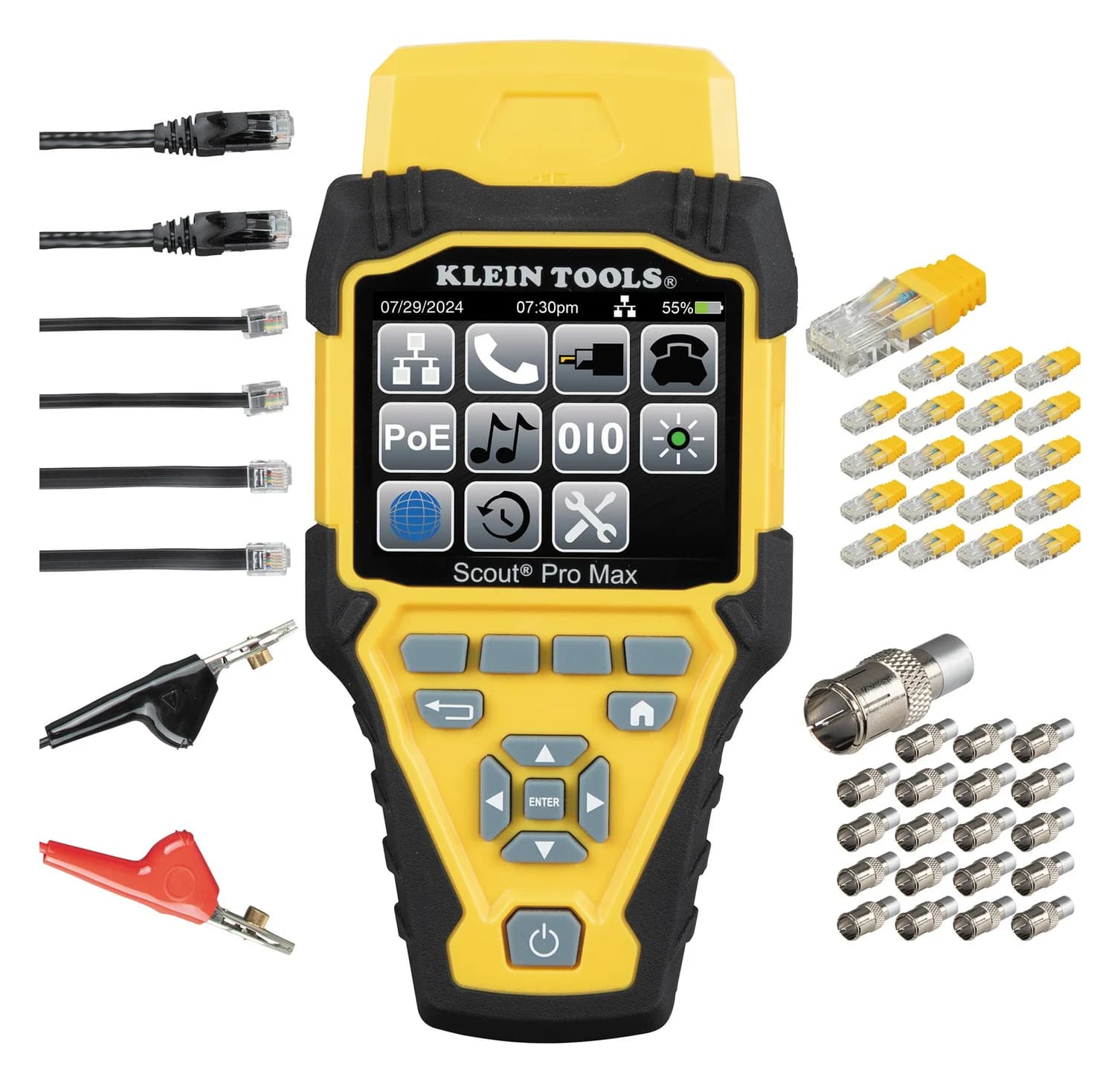
Best Ethernet Cable Testers: Wiremap, Length and PoE (Plus How to Check an HDMI Cable)
Ethernet cable testers explained: what a wiremap tester proves, when you need length and PoE testing, why none certify Cat 6, and how to check an HDMI cable.
Updated November 2, 2026Read