

Comparison
FNIRSI FNB48P vs FNB58
Which USB Tester and Software?
Choose between FNIRSI FNB48P and FNB58 USB testers. Compare connectors, Bluetooth packages, Windows software, cable tests and conflicting power specifications.
By thisMETER EditorialUpdated November 3, 20267 min read
On this page · Quick picks: decide the package before checkout
Choose the FNIRSI FNB58 first if you want a larger display for charger and cable diagnostics; choose FNB48P if its smaller screen suits you and you mainly need their shared testing functions. For either model, select BT for the Android Bluetooth route or Std. for use without that phone connection; FNIRSI lists Windows PC software and excludes iOS/macOS in its USB Tester Software section. These recommendations are based on official documentation, with the range and package caveats below.
Quick picks: decide the package before checkout
Compare specifications and all conditions
A larger display for regular charger checks
- Our choice
- FNB58
- Check before ordering
- Choose BT or Std. deliberately; the model name alone is insufficient
PD monitoring and cable-chip reading on the smaller display
- Our choice
- FNB48P
- Check before ordering
- Its own page lists these functions; obtain its exact electrical limits before planning demanding tests
Phone viewing through FNIRSI's app
- Our choice
- BT option of either model
- Check before ordering
- The documented app is Android
Wired computer recording
- Our choice
- Either model, with Windows
- Check before ordering
- Plan a Micro-USB data connection to the PC port
Official iPhone or Mac companion software
- Our choice
- Neither
- Check before ordering
- FNIRSI explicitly excludes these platforms for USB Tester Software
Full comparison table
Swipe to compare. Row labels stay visible.
| What you need | Our choice | Check before ordering |
|---|---|---|
| A larger display for regular charger checks | FNB58 | Choose BT or Std. deliberately; the model name alone is insufficient |
| PD monitoring and cable-chip reading on the smaller display | FNB48P | Its own page lists these functions; obtain its exact electrical limits before planning demanding tests |
| Phone viewing through FNIRSI's app | BT option of either model | The documented app is Android |
| Wired computer recording | Either model, with Windows | Plan a Micro-USB data connection to the PC port |
| Official iPhone or Mac companion software | Neither | FNIRSI explicitly excludes these platforms for USB Tester Software |
Scroll horizontally to see every column
| What you need | Our choice | Check before ordering |
|---|---|---|
| A larger display for regular charger checks | FNB58 | Choose BT or Std. deliberately; the model name alone is insufficient |
| PD monitoring and cable-chip reading on the smaller display | FNB48P | Its own page lists these functions; obtain its exact electrical limits before planning demanding tests |
| Phone viewing through FNIRSI's app | BT option of either model | The documented app is Android |
| Wired computer recording | Either model, with Windows | Plan a Micro-USB data connection to the PC port |
| Official iPhone or Mac companion software | Neither | FNIRSI explicitly excludes these platforms for USB Tester Software |
The current FNB48P page and FNB58 page offer both BT and Std. selections. Select the exact option on the destination page; a photograph or family title should not decide your package.
FNB48P vs FNB58: the useful comparison
These are manufacturer specifications and documented functions, not our readings.
Display
- FNIRSI FNB48P
- 1.77-inch TFT LCD
- FNIRSI FNB58
- 2.0-inch TFT LCD
Monitoring connectors advertised
- FNIRSI FNB48P
- USB-A, Micro-USB, USB-C
- FNIRSI FNB58
- USB-A, Micro-USB, USB-C
Voltage / current ranges
- FNIRSI FNB48P
- Not stated in the current English product text; consult the exact-model manual
- FNIRSI FNB58
- 4–28 V / 0–7 A
Power range
- FNIRSI FNB48P
- Not stated in the current English product text
- FNIRSI FNB58
- Product page: 0–140 W; linked manual: 0–120 W
On-meter protocol functions
- FNIRSI FNB48P
- QC, FCP/SCP, AFC, PD, VOOC/WARP, SuperVOOC; MTK-PE listed under detection/trigger support
- FNIRSI FNB58
- QC2.0/3.0, FCP/SCP, AFC, PD2.0/3.0, VOOC/WARP, SuperVOOC1.0/2.0 triggering; MTK-PE detection
Cable diagnosis
- FNIRSI FNB48P
- E-Marker and DASH chip reading; differential-pressure resistance test
- FNIRSI FNB58
- E-Marker and DASH chip reading; differential-pressure resistance test
Local recording
- FNIRSI FNB48P
- Up to 9-hour curves; 10 capacity/energy groups
- FNIRSI FNB58
- Up to 9-hour curves; 10 capacity/energy groups
Computer / phone route
- FNIRSI FNB48P
- Shared Windows UsbMeter software; Android app with BT hardware
- FNIRSI FNB58
- Shared Windows UsbMeter software; Android app with BT hardware
Full comparison table
Swipe to compare. Row labels stay visible.
| Specification or function | FNIRSI FNB48P | FNIRSI FNB58 |
|---|---|---|
| Display | 1.77-inch TFT LCD | 2.0-inch TFT LCD |
| Monitoring connectors advertised | USB-A, Micro-USB, USB-C | USB-A, Micro-USB, USB-C |
| Voltage / current ranges | Not stated in the current English product text; consult the exact-model manual | 4–28 V / 0–7 A |
| Power range | Not stated in the current English product text | Product page: 0–140 W; linked manual: 0–120 W |
| On-meter protocol functions | QC, FCP/SCP, AFC, PD, VOOC/WARP, SuperVOOC; MTK-PE listed under detection/trigger support | QC2.0/3.0, FCP/SCP, AFC, PD2.0/3.0, VOOC/WARP, SuperVOOC1.0/2.0 triggering; MTK-PE detection |
| Cable diagnosis | E-Marker and DASH chip reading; differential-pressure resistance test | E-Marker and DASH chip reading; differential-pressure resistance test |
| Local recording | Up to 9-hour curves; 10 capacity/energy groups | Up to 9-hour curves; 10 capacity/energy groups |
| Computer / phone route | Shared Windows UsbMeter software; Android app with BT hardware | Shared Windows UsbMeter software; Android app with BT hardware |
Scroll horizontally to see every column
| Specification or function | FNIRSI FNB48P | FNIRSI FNB58 |
|---|---|---|
| Display | 1.77-inch TFT LCD | 2.0-inch TFT LCD |
| Monitoring connectors advertised | USB-A, Micro-USB, USB-C | USB-A, Micro-USB, USB-C |
| Voltage / current ranges | Not stated in the current English product text; consult the exact-model manual | 4–28 V / 0–7 A |
| Power range | Not stated in the current English product text | Product page: 0–140 W; linked manual: 0–120 W |
| On-meter protocol functions | QC, FCP/SCP, AFC, PD, VOOC/WARP, SuperVOOC; MTK-PE listed under detection/trigger support | QC2.0/3.0, FCP/SCP, AFC, PD2.0/3.0, VOOC/WARP, SuperVOOC1.0/2.0 triggering; MTK-PE detection |
| Cable diagnosis | E-Marker and DASH chip reading; differential-pressure resistance test | E-Marker and DASH chip reading; differential-pressure resistance test |
| Local recording | Up to 9-hour curves; 10 capacity/energy groups | Up to 9-hour curves; 10 capacity/energy groups |
| Computer / phone route | Shared Windows UsbMeter software; Android app with BT hardware | Shared Windows UsbMeter software; Android app with BT hardware |
Sources: FNB48P specifications and functions, FNB58 specifications, FNB58 manual, and software compatibility.
Resolve the limits before buying for high power. FNB58's product page and its linked manual disagree on maximum power: 140 W versus 120 W. Get confirmation for the exact hardware/firmware revision if your intended use depends on that difference. Its documented 28 V monitoring ceiling also limits the decision independently of the watt figure; a protocol name does not override that ceiling.
Keep the FNB48P evidence separate. FNIRSI's Chinese product page calls its model FNB48, while its English store sells FNB48P. We have not transferred that differently named page's electrical ranges to this comparison. Read the FNB48P manual and confirm the limits for the package you order.
First choice for the larger screen: FNIRSI FNB58
The reason to choose FNB58 is straightforward: its 2.0-inch display gives you a larger screen than FNB48P's 1.77-inch display. Both advertise PD monitoring, cable-chip reading and waveform functions, so we would not upgrade solely to obtain those shared features. FNIRSI's FNB58 page documents the functions and connectors.
The manual's connector diagram identifies a USB-A male input, USB-C female input, Micro-USB monitoring input, USB-A female output and USB-C female output. A separate Micro-USB PC port handles the computer connection. Do not confuse the monitoring Micro-USB socket with the PC socket when assembling a recording setup.
Choose FNB58 BT if Android viewing is part of the plan; otherwise select FNB58 Std. The published package list names only one FNB58 tester, and the page says there is no paper manual. Treat a data cable, load and case as unconfirmed inclusions until the exact offer specifies them.
Alternative for the shared functions: FNIRSI FNB48P
FNB48P's official page lists PD packet listening, QC-to-PD conversion, E-Marker/DASH chip reading, differential-pressure cable resistance testing and waveform recording. It also lists automatic screen rotation. That is a substantial function set if the smaller display works for your desk.
Its battery-capacity utility uses customizable battery voltage and conversion efficiency. Treat the result as a calculation using those settings; it does not independently establish the capacity of an unknown battery. FNB58's manual describes the same dependency for its capacity calculation.
Choose FNB48P Std. for use without the Android Bluetooth connection, or select FNB48P BT deliberately. The current English page does not enumerate a box-content list, so confirm the data cable and any accessories separately. We would choose FNB58 instead if clear published voltage/current limits are essential before ordering.
Windows, Android and firmware: match the software to the job
FNIRSI's software hub explicitly includes FNB48P and FNB58 in the USB Tester Software family. Its UsbMeter PC manual describes recording voltage, current, power, D+/D−, capacity and energy, saving records to the PC, and importing offline curves. That is a reason to plan the computer connection even if you do not need Bluetooth.
The linked Android app manual is titled for FNB48, despite being linked from the current shared software section. It instructs users to search and connect inside the app, rather than Android's system Bluetooth settings. Use it as shared app guidance; do not mistake that older title for a different meter's firmware instructions.
- Yes: Windows PC | FNIRSI lists UsbMeter for both models; plan the PC-port data cable.
- Partly: Android phone | Select BT hardware and connect inside FNIRSI's app.
- No: iPhone or Mac software | The USB Tester Software section explicitly excludes iOS/macOS.
On-meter features do not all become remote controls. The published PC manual lists remote triggering for QC2.0, QC3.0, Huawei FCP/SCP and Samsung AFC. The linked Android manual lists QC2.0/3.0, FCP and AFC. Neither list promises the meter's full trigger menu from the computer or phone; if remote PD control is your buying requirement, obtain current confirmation first.
At the official firmware hub, select the model under signal analysis, then USB testers. The retrieved catalogue lists FNB58 Firmware V1.15.zip and FNB48P/S Firmware V1.1.0.ufn in their respective entries. The latter links a file named Fnb48sV1.10.ufn: the shared P/S naming is documented, so select through the FNB48P entry instead of guessing from the filename. FNB48S is separately marked discontinued in the catalogue; sharing a download does not make the product names interchangeable.
FNIRSI's firmware page requires Windows 10 or Windows 11, says to extract the package first, and warns that updating through macOS can brick the device. Those are firmware-update requirements; they do not establish support for other operating systems in UsbMeter.
Buying guide: assemble a complete connection
For wired recording, the shared PC manual specifies Micro-USB at the meter. FNB58's upgrade instructions explicitly require a cable with data transmission. Choose that data cable to match your computer's available port, and do not assume a charging-only cable will serve the software connection.
For FNB58 PD listening, the manual calls for two USB-C-to-USB-C cables, with the meter between the charger and device, plus external power through the PC port. It specifies a supply no greater than 16 V, usually 5 V, for that external-power connection. The PC-port limit is different from the monitoring input's 28 V limit.
Pick the viewing device
Choose Windows for the documented PC route, or BT hardware for Android.
Match the connection
Plan a Micro-USB data cable for the PC port; FNB58 PD listening also calls for two C-to-C cables and external power.
Match the measurement
For FNB58 cable resistance, add the constant-current load required by its manual; confirm what the offer includes.
Cable reading and resistance testing answer different questions. E-Marker reading retrieves chip information. FNB58's resistance procedure needs a constant-current load, with a reference reading and a reading after inserting the cable, at similar current. A phone's ordinary charging session is not the constant-current-load setup described in the manual. Follow the model-specific procedure rather than treating the toolbox label as a complete kit.
For a gift, establish the recipient's computer or phone platform before choosing BT or Std., and include the connection accessories their intended job requires. For the broader shortlist, use our USB-C power meter guide; for the cross-brand decision, read POWER-Z KM003C vs FNIRSI FNB58.
How we choose
We compared FNIRSI's product descriptions, model-specific manuals, shared software documentation and model-labelled download catalogue. These are documentation-based recommendations; we have not physically tested either tester. Screen preference is our buying judgment, and we do not claim a comparative accuracy or reliability advantage. The power-range conflict and model-name ambiguity remain explicit; see how we choose.
Verdict
Buy FNB58 for the larger screen; consider FNB48P for its shared core functions if the smaller screen suits you. Select BT only when the documented Android route is useful, and plan Windows plus a Micro-USB data cable for PC work. Before ordering, resolve the FNB48P limits or FNB58 power-range conflict wherever your intended measurements depend on them.
Frequently asked questions
Which is better, FNIRSI FNB48P or FNB58?
FNB58 is our first choice for its larger 2.0-inch display and clearly published voltage and current ranges. FNB48P remains an alternative if its 1.77-inch screen suits you: its official page lists PD monitoring, E-Marker reading, cable resistance testing and waveform recording too. Choose by those needs and the exact BT or standard option. We have no comparative measurement results establishing that either is more accurate.
Does FNIRSI FNB58 work with iPhone or Mac?
FNIRSI's USB Tester Software section lists Windows PC software and an Android Bluetooth app, and explicitly excludes iOS and macOS. Its firmware page specifies Windows 10 or Windows 11 and warns against updating on a Mac. Buy a BT package for the documented Android route. If official iPhone or Mac software is essential to your purchase, neither of these is a suitable recommendation.
Which firmware should I download for FNB48P or FNB58?
Start at FNIRSI's Manuals & Firmwares page and select the exact model. The FNB48P entry lists a shared FNB48P/S package; the FNB58 entry lists its own FNB58 releases. A filename containing Fnb48s can therefore be legitimate for FNB48P when linked in that model's entry. This does not make FNB58 firmware interchangeable. Follow the model's upgrade instructions and FNIRSI's Windows requirements.
Do these testers measure USB cable resistance without other equipment?
Both product pages advertise cable resistance testing, but do not confuse that with reading a cable's E-Marker chip. FNB58's manual requires a constant-current load for the resistance method, with reference and cable-inserted readings at similar current. Its published package list promises only the tester. Plan the load and cables separately, and check the FNB48P manual for that model's procedure before buying accessories.
Related guides
Comparison · USB-C Power Meters
Plugable VAMETER3 vs METER3-1MF: Which USB-C Power Meter?
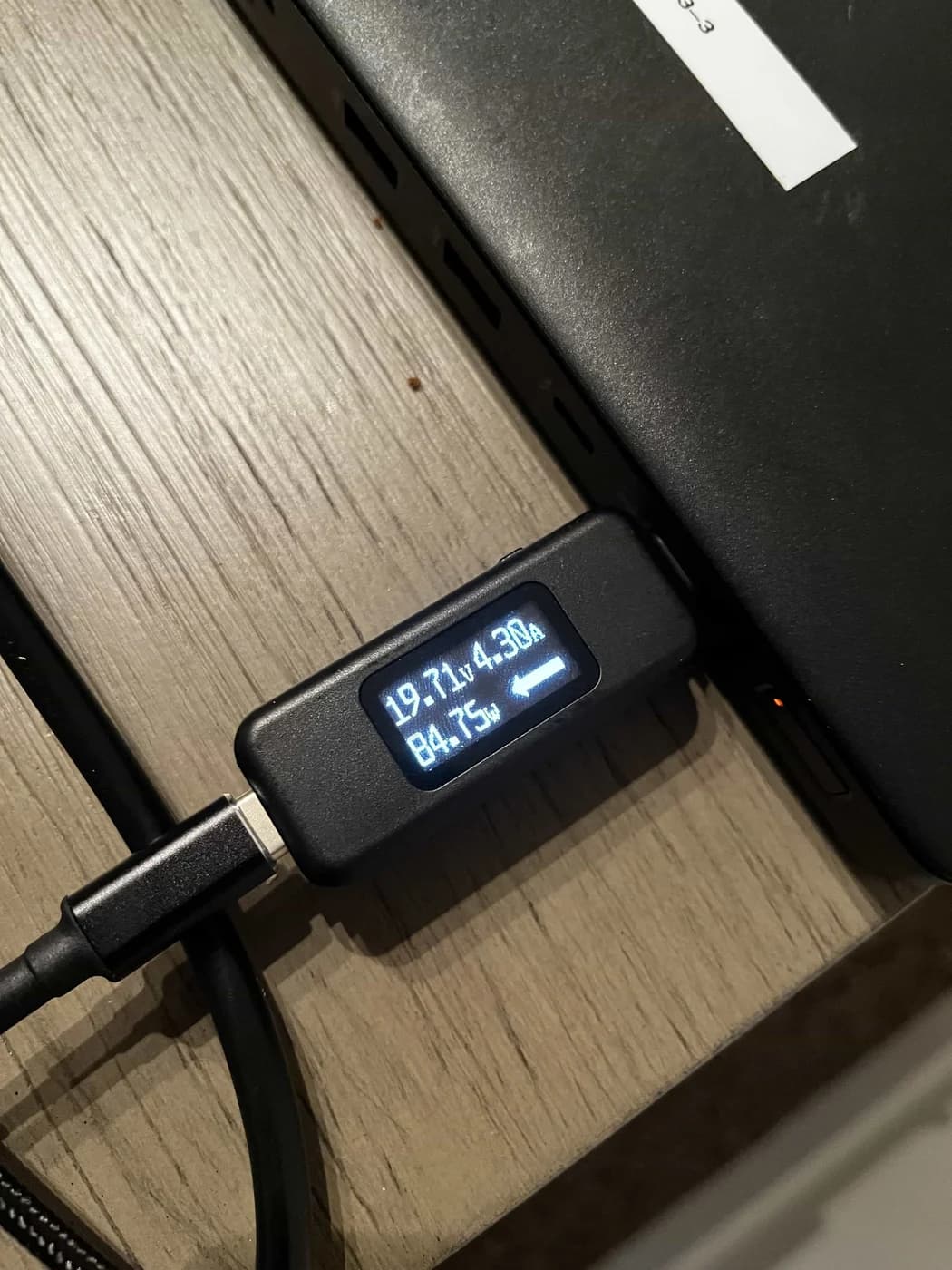
Choose between Plugable's detachable VAMETER3 and METER3-1MF meter cable, with clear advice on reach, displays, 240W charging, data, video and PD analysis.
Comparison · USB-C Power Meters
AVHzY CT-3 vs POWER-Z KM003C: Which USB Multimeter and Load Kit?
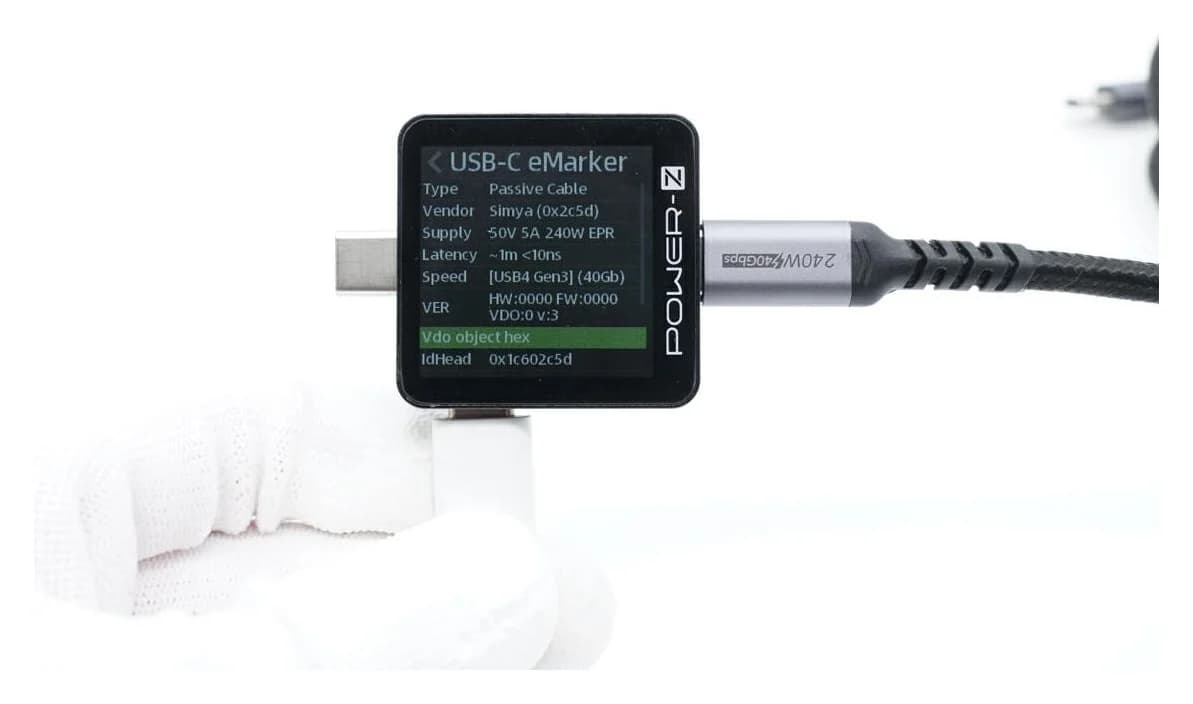
Compare AVHzY CT-3 and POWER-Z KM003C USB multimeters for EPR, offline logging, PC software and load kits. Avoid accessory mismatches and voltage-limit traps.
Comparison · USB-C Power Meters
Plugable USBC-VAMETER3 vs Klein ET920: Which USB Power Meter?
Choose a USB power meter for EPR laptop charging or USB-A and USB-C accessories. Compare Plugable VAMETER3 and Klein ET920 connections, memory and limits.